
A kid makes a video game in four steps: invent it, design it on paper, build it with a tool that fits their age, and playtest it with a friend. A first game takes an afternoon, needs no coding, and can start with a pencil.
Buildaloo is our product, a game maker for kids. Most of this guide needs no product at all: a pencil, a printed sheet and someone to play-test. Where we compare tools, we say what each one is good at, ours included. Tools, ages and prices were checked on 21 Nov 2026.
The short answer
The four steps:
- Invent it: an idea, a hero, a world, a goal and a twist.
- Design it on paper: draw the hero, map the world, write three rules.
- Build it with a tool that fits their age: ScratchJr at 5 to 7, Scratch or MakeCode Arcade from about 8, Roblox Studio or GDevelop at 10 to 12, or Buildaloo at any age from 5 if they’d rather talk than drag blocks.
- Playtest it with a friend, fix what confuses them, and share it.
The first game should be small: one level, one thing to do, finished in one sitting. A finished small game teaches more than a giant one that never gets done.
Three ways to build a video game
Kids build games on a screen in one of three ways. None is the “right” one; they suit different kids.
- Picture blocks and no-code makers. Kids snap blocks or set rules (“when the cat touches a star, add a point”) instead of typing code. ScratchJr does it with pictures for 5 to 7; GDevelop does it with event rules for older kids. Good for kids who like to tinker.
- Code blocks, then real code. Scratch, MakeCode Arcade and Code.org’s Sprite Lab teach coding while kids build. They need reading and a few sessions with a tutorial, and they teach the most about how programs work.
- AI makers. Kids describe the game and the AI builds it. In Buildaloo a kid says the hero, the world and the mission out loud, and gets a game to play in about a minute, then changes it by talking. Fastest to a game they can play; they learn design, not code.
A first game in 30 minutes (for your kid to read)
Read it together, or let them read it alone from about 8.
- Pick what you do in the game: catch, jump, run through a maze, or answer a quiz.
- Pick your hero. Anyone, or anything. A pizza counts.
- Pick your world. Where is it? Space, the sea, your school?
- Pick how you win. Ten stars? Reach the door?
- Pick one thing that gets in your way. Lava, a ghost, a timer.
- Draw it on a sheet of paper: you at the start, the win at the end, the trouble in the middle.
- Build it with your grown-up’s help, on a tool from Step 3 below.
- Give it to someone to play. Don’t help them! Watch where they get stuck.
- Change one thing and let them play again.
Who this is for
- A parent of a kid between 5 and 12 who said “I want to make my own game”
- You don’t code, or you do and don’t know where a child should start
- You’d like the time to end in something they made, not another hour of watching
Step 1: Invent the game
Every game a kid can make fits in five parts. Ask them one at a time and write down exactly what they say.
- The idea: “What kind of game is it?” Running and jumping, catching things that fall, a race, a maze, a quiz, a puzzle, a story where you choose.
- The hero: “Who do you play as?” A cat, a robot, their little brother, a taco with a jetpack. Silly is good.
- The world: “Where does it happen?” Under the sea, in space, in a haunted school, inside a fridge.
- The goal: “How do you win?” Collect ten stars, rescue the puppy, reach the top of the volcano.
- The twist: “What gets in the way?” The floor is lava, the lights go out every ten seconds, the puppy runs away from you.
Stuck? Our free game idea generator for kids gives a hero, a world, a goal and a twist with one tap. Kids keep tapping until one makes them laugh, then change any part they like.
Good first games are ones with a single action:
- A catch game: move a basket left and right to catch falling fruit and dodge the rotten ones
- A maze: reach the exit and collect stars on the way
- A one-button jumper: tap to jump over whatever rolls toward you
- A quiz: three questions about their favorite animal, with points for each right answer
Step 2: Design it on paper first
Professional game designers sketch on paper before anyone writes code. For a kid it has two more benefits: it works at the kitchen table with no screen, and it gets the hard thinking done before a tool can distract them.
Print our free game design sheet. It has a box for each part:
- Name of the game, and who made it
- Draw your hero
- Map your world: where you start, where you finish, and what is in between
- Write the rules: How do you win? What gets in your way? What do you collect?
- Test it on a grown-up: What did they like? What will you change?
Three rules are enough for a first game. If your kid writes twelve, ask which three matter most and keep the rest for “level 2”.
Running this with a class, a scout troop or a birthday party? There is a free 45-minute lesson plan for designing a game on paper in groups.
Step 3: Pick the right tool for their age
All of these are real options. The best one is the one your kid will still want to open next week.
| Tool | Ages | How kids build | Cost |
|---|---|---|---|
| ScratchJr | 5 to 7 | Picture blocks on an iPad or Android tablet, little reading | Free |
| Buildaloo | 5 to 12 | Talking (or typing) to Loo, an AI buddy | Free to set up; building is the family plan |
| Scratch | 8 and up | Drag-and-drop code blocks in the browser | Free |
| Microsoft MakeCode Arcade | 8 and up | Blocks, then JavaScript or Python, for retro arcade games | Free |
| Code.org Sprite Lab, then Game Lab | 7 to 13, Game Lab 12 and up | Guided lessons with blocks; Game Lab adds JavaScript | Free |
| Roblox Studio | 10 and up | 3D worlds and Lua scripting | Free |
| GDevelop | 10 and up | Event rules instead of code, 2D games | Free to start |
ScratchJr (5 to 7). Made by MIT and Tufts for young kids. Children snap picture blocks together to make characters move, jump and talk. It is free on iPad and Android tablets, and very good at teaching the idea that a program is a sequence. It makes animated scenes more than games with scores, which is where some kids start to want more. Our ScratchJr alternatives post covers the next step.
Scratch (8 and up). The classic, free from MIT. Kids drag code blocks to build games, stories and animations, and can share them in a large moderated community. It rewards kids who read fluently and enjoy puzzling out why a block doesn’t work. Expect a few sessions with a tutorial before the first real game. If your kid has hit Scratch’s limits or never warmed to blocks, see our Scratch alternatives for kids.
MakeCode Arcade and Code.org (8 and up). Both free in the browser, both good for kids who like step-by-step lessons. MakeCode Arcade makes retro-style games and lets kids switch from blocks to real JavaScript or Python when they are ready.
Roblox Studio and GDevelop (10 and up). For older kids who want 3D worlds (Roblox Studio) or real control over a 2D game (GDevelop). More powerful, more patience needed, and a lot of YouTube tutorials. Read up on Roblox’s social side before you say yes; our Roblox safety guide is a start.
Buildaloo (5 to 12): the “by talking” option. Your kid tells Loo, an AI buddy, four things: the type of game, the world, the hero and the mission. Those are the same parts as the paper sheet. Loo proposes a game with a title and a short story, and once your kid says yes, builds a playable game in about a minute. They change it by talking (“make the shark faster”, “add a second level”). No reading or typing is needed, there are no ads and no chat with strangers. Kids publish their own games and get a link and a QR code to share, and from the parent dashboard you can make your kid’s maker page private, which keeps their games out of the public arcade. It is free to set up; building games is the family plan ($14.99 a month or $119 a year for every kid in the family).
When Buildaloo isn’t the right fit. If your kid loves the puzzle of making code work, block coding is the better teacher, and Scratch is wonderful. If you want a graded course with lessons in order, Code.org fits better. Buildaloo is for kids who have the ideas and want to see them played.
To compare 16 tools by age, price and device, see our game makers for kids by age. For apps where kids make art, films, music and stories too, see our best creative apps for kids.
By age, we’ve written a page for each year: 5, 6, 7, 8, 9, 10, 11 and 12.
Step 4: Playtest it with a friend
This is the step most kids skip and the one real designers never skip. A playtest is simple:
- Your kid hands the game (paper or screen) to a friend, a sibling or you.
- They explain the goal in one sentence, and don’t help after that.
- They watch quietly. Where does the player get stuck? Where do they laugh?
- They ask two questions: “What was fun?” and “What was too hard?”
- They change one thing and test again.
On paper, the player moves a coin along the map and the designer plays the twist (“the lights just went out!”). Kids learn more about design from one confused friend than from any tutorial.
Step 5: Share it
A game someone else has played feels finished. Ways to share:
- Play it at dinner. It counts.
- In Scratch, share it to the Scratch community, or keep it private.
- In Buildaloo, your kid publishes it and gets a link and a QR code for grandparents and friends. From the parent dashboard you can make their maker page private.
Want to see what kids aged 5 to 12 have already made? Play a few in our arcade of games made by kids. Seeing another kid’s game is often what makes a child say “I could make that, but better”.
Common mistakes (and easy fixes)
- Too big. “An open world with 50 levels” becomes one level with one goal. The rest is the sequel.
- No way to lose. A game with no challenge gets boring in a minute. Add one thing that gets in the way.
- The designer explains everything. If the player needs help, the game needs a change, not more explaining.
- Starting with the tool. Ten minutes on paper first saves an hour of wandering around an app.
- The grown-up takes over. Ask questions, write down their words, and let it be their game, even if the rules make no sense to you.
What kids learn from making games
Making a game is a creative project with a built-in audience. Along the way kids practice:
- Turning a vague idea into clear rules
- Explaining something so another person understands it
- Watching what really happens, not what they hoped would happen
- Fixing a problem and trying again
- Finishing something and showing it
Block tools add the basics of coding: sequences, loops and events. Voice tools put more of the time into the design itself. Both are making, not watching. If you are weighing it against your family’s screen rules, our guide to screen time for kids by age sums up what the AAP and WHO actually say.
FAQ
How do you make a video game for kids?
In four steps. Invent the game (a hero, a world, a goal and one thing in the way), draw it on paper, build it with a tool that fits their age, then watch a friend play it and fix what confuses them. Kids of 5 to 7 build with picture blocks in ScratchJr or by talking to an AI maker like Buildaloo; from about 8, Scratch or MakeCode Arcade; from 10, Roblox Studio or GDevelop.
What is the easiest way for a kid to make a video game?
On paper first, with a pencil and a printed sheet: no screen and no reading of instructions. On a screen, the easiest is the one that matches what they can do: picture blocks in ScratchJr if they can’t read yet, an AI maker like Buildaloo if they’d rather say the game out loud, Scratch if they read well and like puzzles.
What age can a kid start making video games?
Around 5. A 5-year-old can invent a hero, a world and a goal out loud or on paper, and build simple games in ScratchJr or by talking to a tool like Buildaloo. Reading and typing open up Scratch and MakeCode Arcade from about 8, and Roblox Studio or GDevelop suit kids of 10 to 12 who want more control.
Does my kid need to know how to code to make a game?
No. Game design is the ideas, the rules and the testing, and it can all happen on paper. Block tools like ScratchJr and Scratch teach coding along the way; voice tools like Buildaloo build the code for the child, so they spend their time on the design.
What is the best free game maker for kids?
ScratchJr (ages 5 to 7) and Scratch (8 and up) are free and made for kids: Scratch by MIT, ScratchJr by MIT and Tufts. Microsoft MakeCode Arcade and Code.org are free in the browser too. Our printable game design sheet is free and needs no signup.
How long does it take a kid to make a first game?
A first game on paper takes 20 to 45 minutes. A first game in Scratch usually takes a few sessions with a tutorial. In Buildaloo, once the four choices are made, the game is built in about a minute and the child can keep changing it by talking.
What do kids learn from designing games?
To turn an idea into rules, to explain it clearly to someone else, to watch a player get stuck and fix the problem, and to finish something. With block coding they also learn sequences, loops and events.
Play a game a kid made
 Story
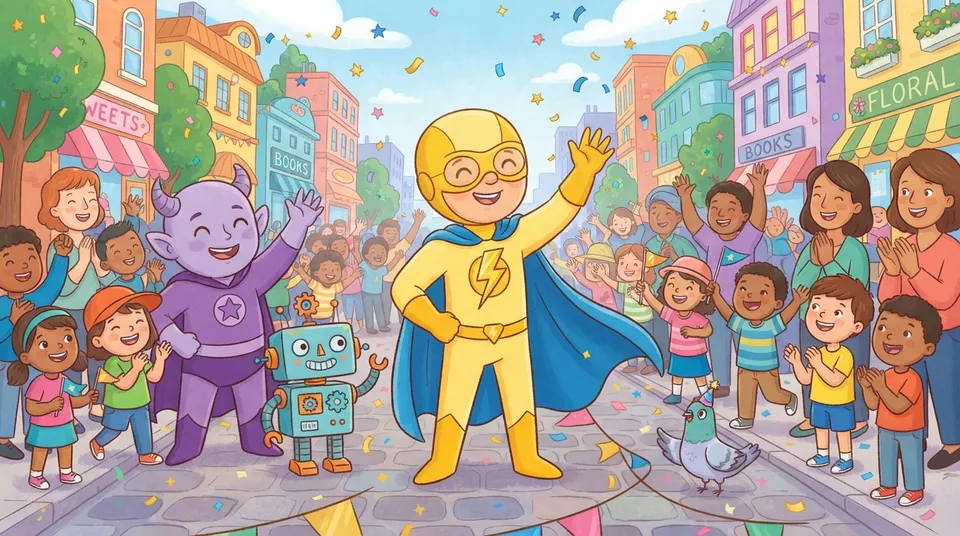
Lab Bolt: Villain Vex🇬🇧
Made by an 8-year-old
A choose-your-path story about a little lightning hero and a villain who is up to something underground. Every choice changes the ending: charge in, ask a friend for help, or invite the villain to a laser dance party.
Play →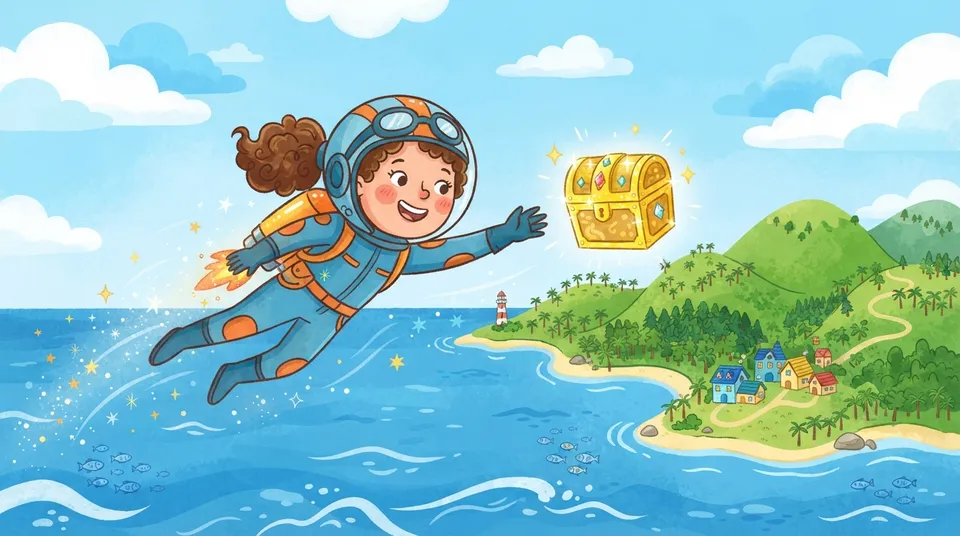
Global Jetpack Trek🇬🇧
Made by an 8-year-old
Fly a jetpack around the Earth to find 15 hidden treasure chests, from a coral reef to a snowy peak. Grab fuel cans to fly farther and steer clear of the storms.
Play →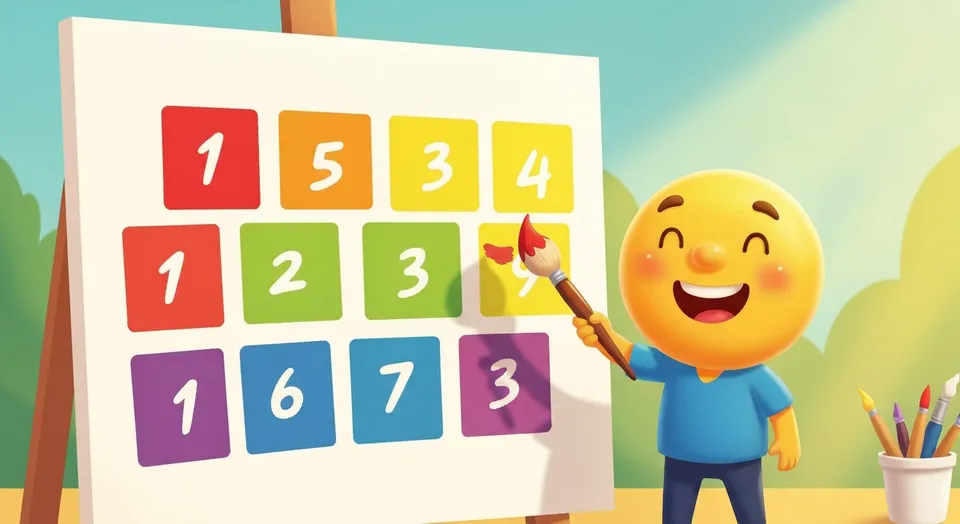 Art
Números Coloridos🇵🇹
Color by number: pick a picture, tap a color and paint every square with that number before time runs out. There are butterflies, castles, dinosaurs and more than 100 colors.
Play →