 In English
What you do in Mega Miner Tycoon
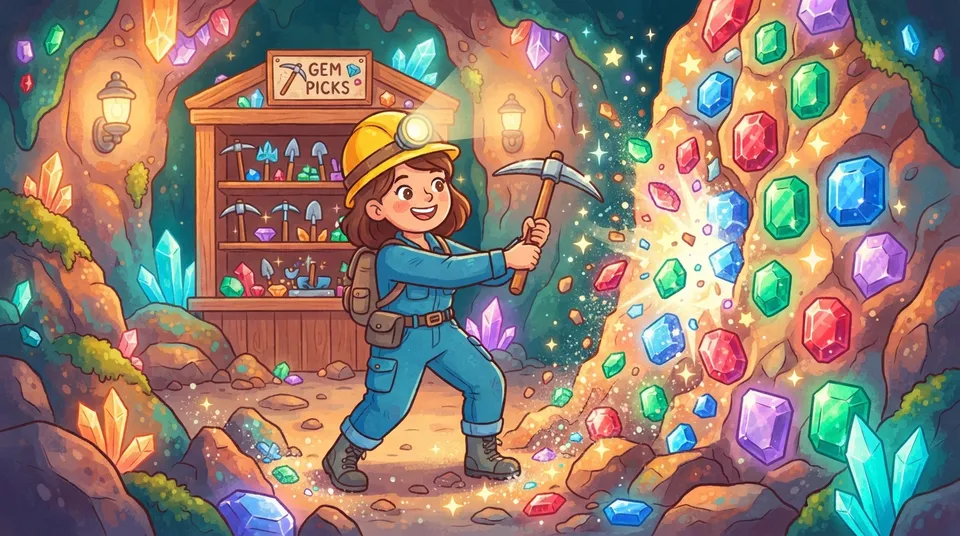
Mine block after block from a giant jewel wall, buy stronger pickaxes, and dig through every deeper layer to reach the end.
In the maker's words
Your master miner enters a glowing cave to face a massive wall of legendary jewels. Chip through every sparkling layer and sell gems to upgrade your pickaxe for ultimate power!
How to play Mega Miner Tycoon
- Click a block in the wall to mine it, or hold the mouse button down to keep mining.
- Press the number keys 1 to 6, or click a pick in the shop, to buy the next better pickaxe.
- Use the arrow keys or W, A, S and D to move the selector, then press the spacebar to mine the selected block.
- Break every block in the giant wall to reach the end, and remember that deeper layers need a stronger pick.
What kids practice
- Upgrading: Deeper layers need a stronger pick, so players learn when an upgrade is worth buying.
- Steady progress: Breaking a huge wall one block at a time shows how small steps add up.
- Two ways to play: Players can mine with the mouse or with the keyboard selector, and pick what works for them.
Fun things to try
- See how far you can get before buying your second pickaxe.
- Try mining one whole layer using only the keyboard.
- Guess how many blocks are in the wall, then count as you go.
- Type
- Big ideas
- Language
- English
- Plays on
- Any browser
- Controls
- Keyboard or mouse

Your kid can make one too
They describe it out loud, Loo builds it. You choose if it shows here.
Make your own game